In the app
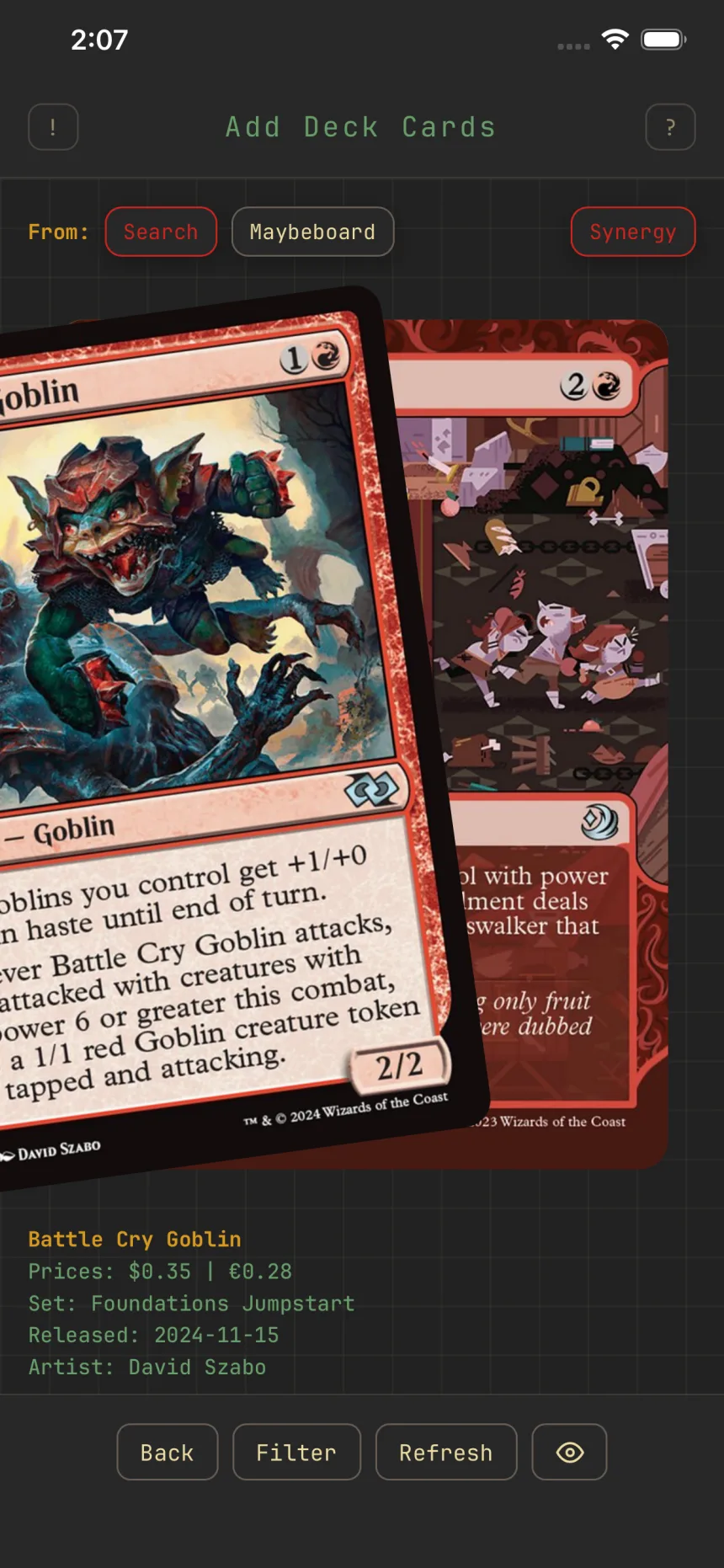
Synergy-ranked cards
On a commander deck, Synergy leads with the cards that actually work with your commander instead of every legal card.
Where and how
The Synergy chip sits on the "From:" row of the Add Deck Cards screen whenever the source is Search and your deck has a commander. On, the stack is limited to fitting cards, served best-first, 25 at a time, and shuffled within each batch per deck per day, so the same commander doesn't show an identical stack twice; off, you browse everything legal. It's on by default, and toggling it reloads the stack.
Synergy vs. sorting
Synergy sets which cards appear and their order; Sort only reorders the current set. Keep Synergy on to stay on-theme, then sort within those picks.
Oracle tags sharpen the order
Any oracle tags you've selected on the deck contribute to that ordering too, alongside commander synergy, so the cards up top fit both your commander and what your deck is trying to do. See Sharpen suggestions with oracle tags.