In the app
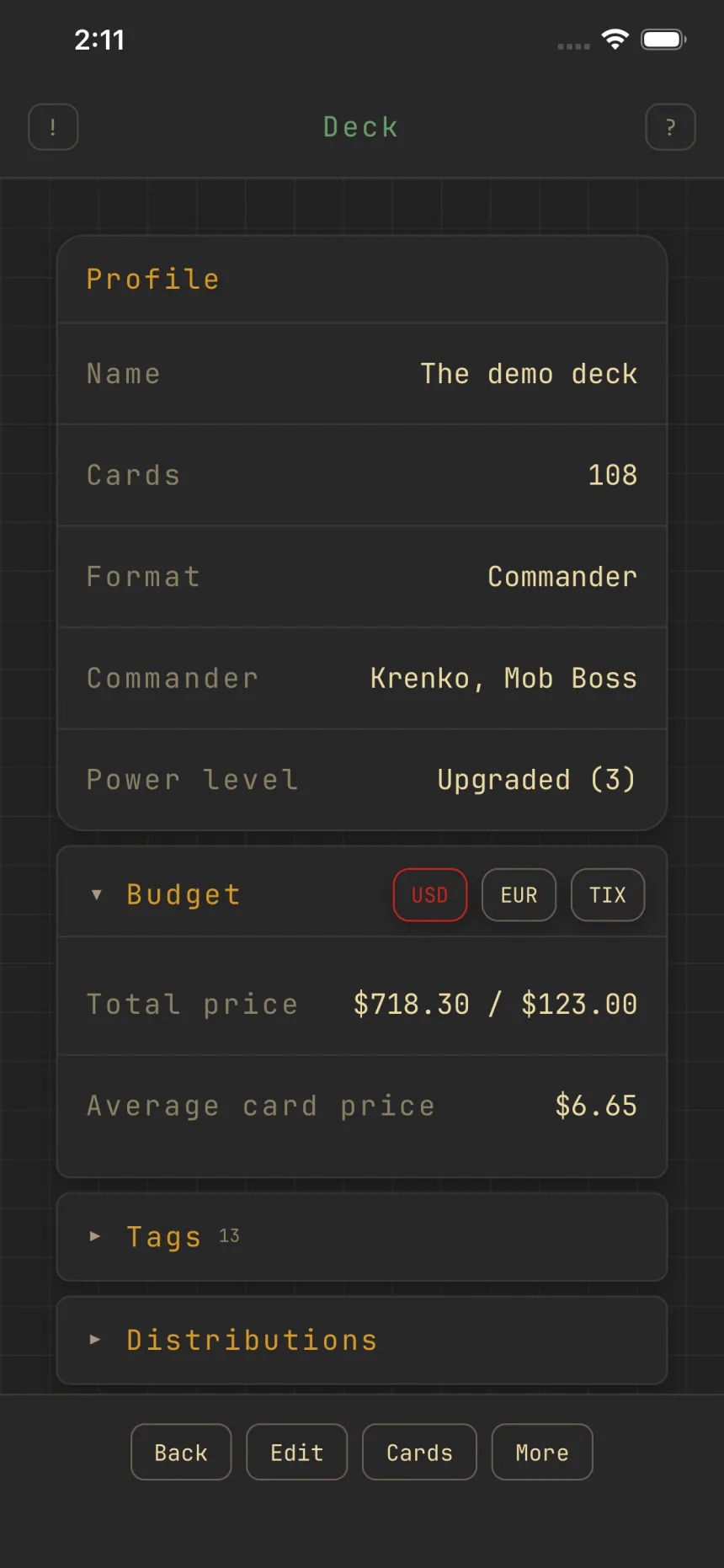
Set a budget with price targets
Give a deck a price target and Zwipe tracks the running total as you build.
Set a budget
On the edit form, pick a currency (USD, EUR, or TIX) and an amount under Price target; leave it blank for no budget. It shows in the deck's Budget section.
As it fills up
Zwipe alerts you once as the deck crosses 50%, 75%, and 100% of the budget (for example, "Deck at 82.50% of your $50.00 budget"), and a standing warning appears if you go over.
Prices and buying
The Budget section shows Total price and Average card price, switchable across USD, EUR, and TIX with the currency chip in its header, and each card lists its prices while you swipe. Buy deck (under More) opens mass-entry links to TCGplayer and Card Kingdom.