In the app
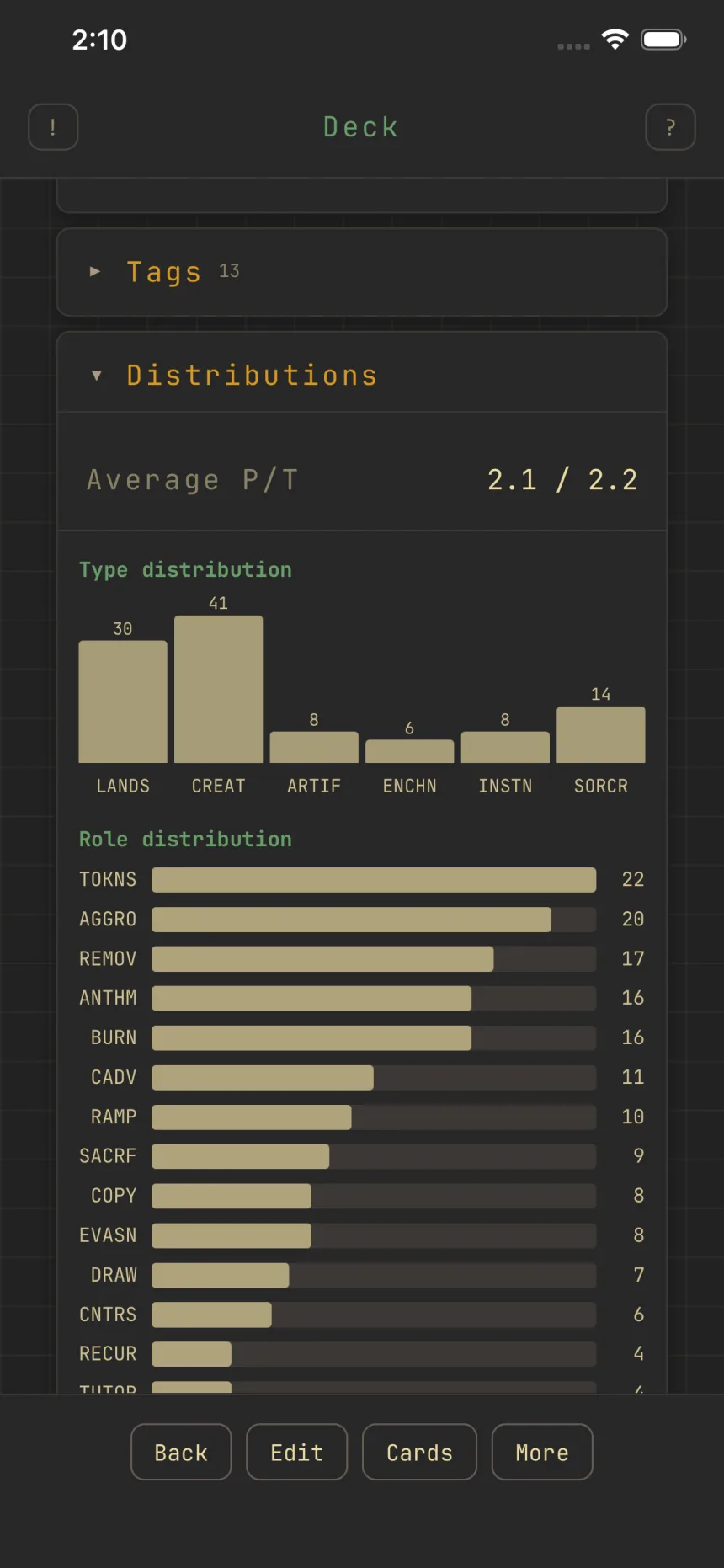
Read your deck stats and charts
Open a deck and its stats update as you build. Everything reflects your mainboard; sideboard and maybeboard cards are excluded.
Profile, Budget & Tags
Profile summarizes the deck: name, format, commander (and partner, background, or signature spell), your Cards count, and a Power level, the Commander bracket from Exhibition (1) to cEDH (5). Budget holds your price target, Total price, and Average card price, with a USD / EUR / TIX currency chip in its header; your land target lives in Mana. Tags holds your deck tags and oracle tags.
Charts
Distributions cover card type, strategic role, and color. Role distribution reads on the same roles shown as chips on each card. Mana holds your Lands against their target, Average mana value, the mana curve (nonland cards by cost, 0 to 6+), and mana fulfillment (whether your mana base makes enough of each color, with a ✔ when covered).
Draw odds
The chance of drawing at least one card of a type (lands, or any category) by a chosen turn, updated live and stepped turn by turn.
Warnings
Rule problems (size, copy limit, off-color, missing commander, over budget, under land target) list here with a count badge and often a one-tap fix.