In the app
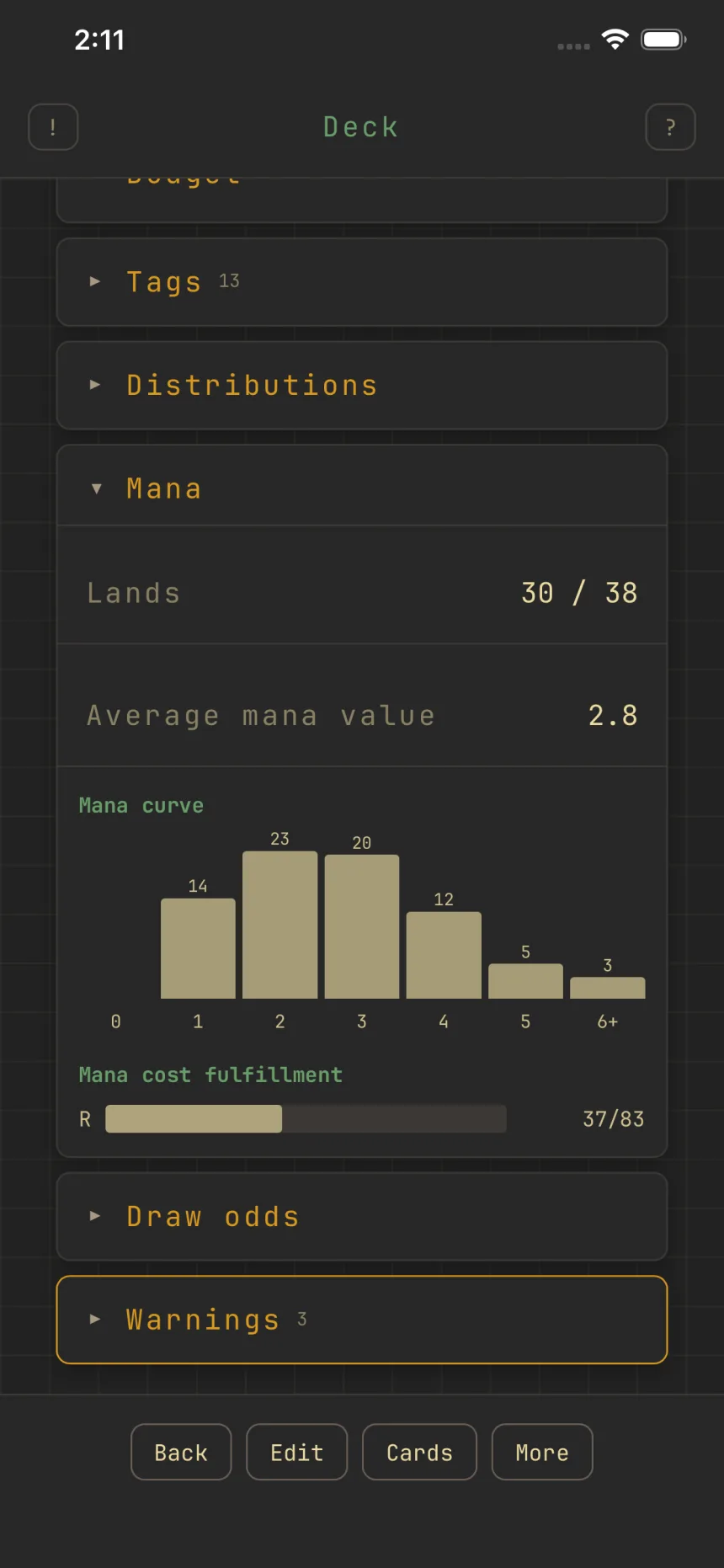
Set a land target
Set the number of lands you want and Zwipe warns you as the deck fills, so you don't finish short on mana.
Set the target
The Land target stepper starts at "Not set." The first tap sets a default (about 37 for 100-card formats, 17 for 60-card), then you adjust.
Feedback
Cross the target while editing and Zwipe toasts "Land target reached" or "Below land target," and a standing warning shows whenever you're under.
Lands leave the stack
When you open the add screen with your land count already at target (your target, or the format default), Zwipe excludes lands from the swipe stack so it stops dealing you ones you don't need. It adds Land to the Basic types exclude filter. To bring lands back while you're still at target, remove that exclude yourself; a Reset keeps it in place, since excluding lands is the default once you're at target. Reaching the target mid-session takes effect the next time you enter the screen.