In the app
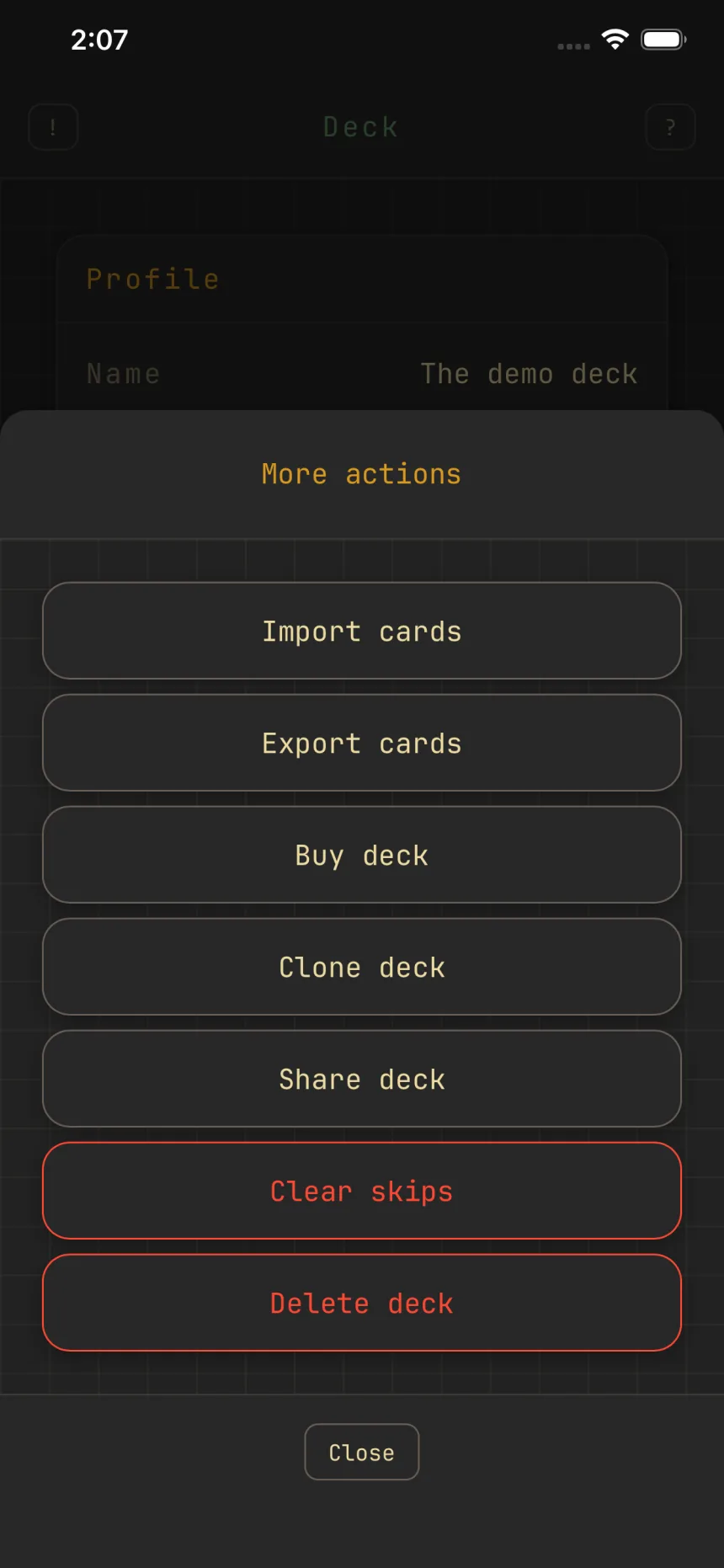
Swipe memory: skips that stick
Zwipe remembers the cards you pass on. Skip a card and it stays out of that deck's swipe pile, so you don't swipe past the same card twice.
Skips stay skipped
A left swipe on the add screen tells Zwipe you don't want that card in this deck. It stops appearing in the swipe pile, and it stays gone after you close and reopen the app. Quick add still finds it by name, since typing a name is explicit intent. Removing a card from a deck skips it the same way, so trimmed cards don't come back in the pile.
It's per deck
Memory is scoped to the deck you're building. Skipping a card in one deck never hides it in another, so each deck's suggestions reflect only your choices for that deck.
Pick up where you left off
While the app is open, each deck keeps its place in the stack along with your recent swipes for undo, so you can jump out to tweak another deck and come back where you left off. Restarting the app, or changing the filter, deals a fresh stack.
Changed your mind? Clear skips
Open the deck's More menu and tap Clear skips. Every card you skipped or removed for that deck comes back into the pool, and swiping starts fresh.